Lab 0: Linux Crash Course
Task 1: Hypervisor
下载好Debian镜像以及虚拟机(Hypervisor). 我采用的方案是VMWare Workstation + Debian 13.5 的配置.
-
What is the difference between
debian-12.11.0-amd64-netinst.isoand thedebian-12.11.0-amd64-DVD-1.iso?netinst版本是只包含了必需文件的小镜像文件,通过网络连接来下载其余的系统文件来完成安装;DVD版本是一个包含桌面环境、应用程序等各种软件的大镜像文件. -
What is the difference between the
amd64andarm64versions?架构不一样,
amd64是针对x86-64处理器的64-bit版本;arm64是针对arm处理器的64-bit架构.
Task 2: Linux Basics
The Linux command line for beginners | Ubuntu
nano是个文本编辑器,本身我跟vim共同使用(虽然vim上手有点慢).
记录一下指令:
-
cd:切换位置 -
ls:查看内容 -
mv:重命名/移动文件 -
pwd:查看工作目录(print working directory) -
rm:删除文件 -
rmdir:删除目录 -
cat:查看并连接文件,-n对输出的每一行显示行号,-b会过滤空行 -
less:是一个分页显示文本文件内容的程序,支持向前后翻页、搜索、高亮等功能
一些问答:
-
Where is your location when you first log in?
/home/grapesea -
Where are the homes for executable binaries?
有四个位置:
/bin,/sbin,/usr/bin,usr/local/bin -
What is
/usrstands for?usr指的是 Unix System Resources. -
What's in
/usr/local/bin?admin权限下的二进制可执行文件.
-
Where are the configuration files stored?
/etc目录下.
apt指的是Advanced Packaging Tool.
You can edit the
/etc/apt/sources.listfile to change the repository mirror.
Task 3: Network Basics
基础概念解释:
-
IP address:可以变化,类似收件地址
DHCP协议:会自动分配ip地址. 设备接入网络时向 DHCP 服务器(通常是路由器)发请求,服务器从地址池里分配一个可用 IP,并告知子网掩码、网关等信息.
-
MAC address:基本固定,类似身份证号,如
00-16-EA-AE-3C-40,前面3个是网络硬件厂商编号,后面3个是网卡序列号ARP协议:负责"IP → MAC"的翻译. 同一局域网内,设备只知道目标 IP 时,会广播一条 ARP 请求:"谁是 192.168.1.5?",对应设备回复自己的 MAC 地址,通信才能真正发出去。结果会缓存在本机 ARP 表里.
操作系统会根据目标IP确认到目标MAC
-
Subnet mask:子网掩码,用于判断哪些IP属于同一个局域网,具体方法是:IP 与子网掩码做 AND 运算,结果相同 → 同一子网,可以直接通信;不同 → 需要经过网关转发.
-
Gateway:网关,局域网的"出口路由器",通常是
192.168.1.1. 当目标 IP 不在同一子网时,数据包先发给网关,由它负责往外转发. -
Port:端口,用于定位到机器上的具体程序.
-
Port forwarding:端口转发,具体来讲是路由器收到外部请求后,把它转发给内网某台设备的某个端口.
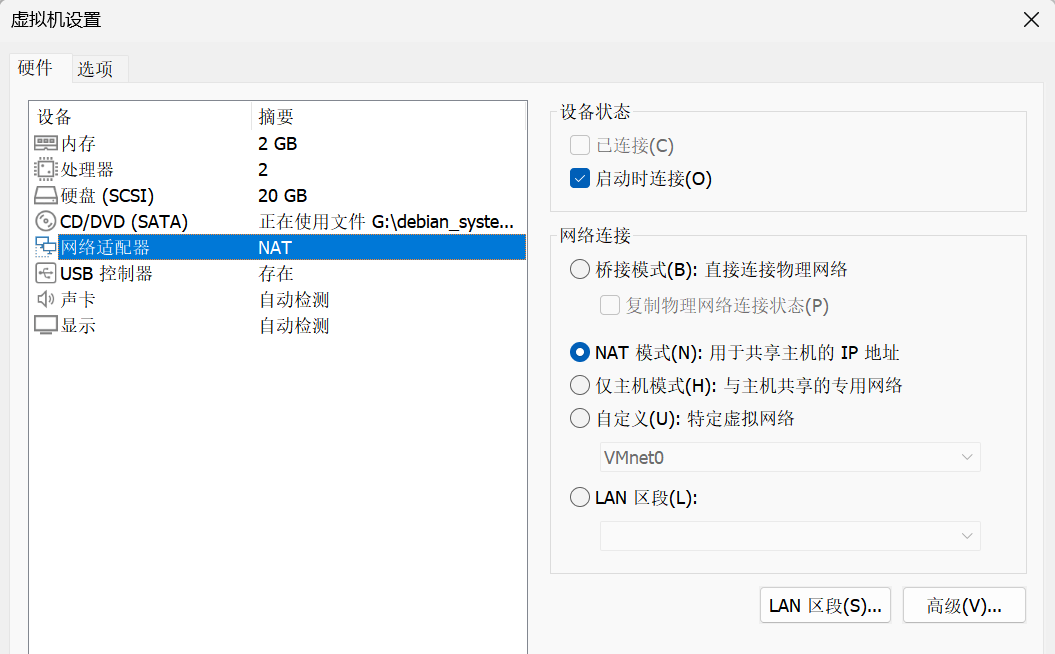
首先VMware Workstation预设好的就是NAT模式:
grapesea@grapesea:~$ ip addr
1: lo: <LOOPBACK,UP,LOWER_UP> mtu 65536 qdisc noqueue state UNKNOWN group default qlen 1000
    link/loopback 00:00:00:00:00:00 brd 00:00:00:00:00:00
    inet 127.0.0.1/8 scope host lo
       valid_lft forever preferred_lft forever
    inet6 ::1/128 scope host noprefixroute
       valid_lft forever preferred_lft forever
2: ens33: <BROADCAST,MULTICAST,UP,LOWER_UP> mtu 1500 qdisc fq_codel state UP group default qlen 1000
    link/ether 00:0c:29:2c:0d:c4 brd ff:ff:ff:ff:ff:ff
    altname enp2s1
    altname enx000c292c0dc4
    inet 192.168.159.128/24 brd 192.168.159.255 scope global dynamic noprefixroute ens33
       valid_lft 1538sec preferred_lft 1538sec
    inet6 fe80::20c:29ff:fe2c:dc4/64 scope link noprefixroute
       valid_lft forever preferred_lft forever
可以看出自己的虚拟机ip地址是192.168.159.128(后面的192.168.159.255指的是广播地址,其作用是发送到192.168.159.255 的数据包,同一网段内所有设备都会收到,类似于"群发")
Debian默认已经安装好openssh-server.
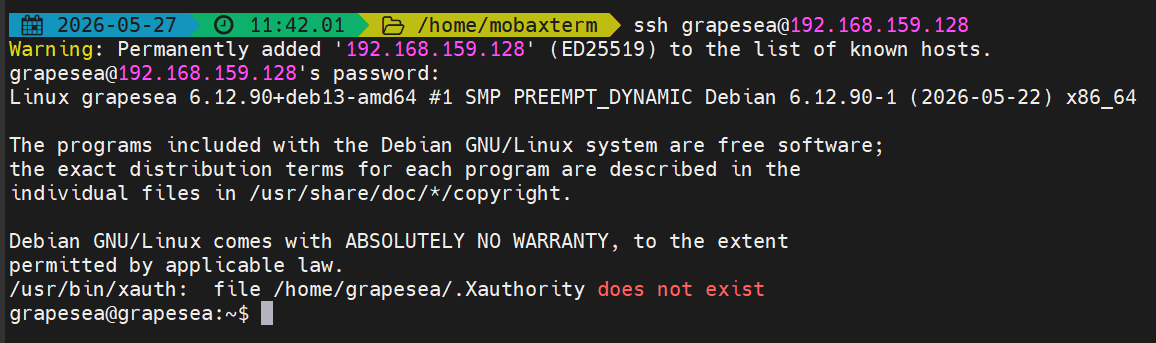
在Windows主机的WSL(MobaXterm终端)上ssh连接虚拟机:
Task 4: More on Linux
-
What is the
$HOMEenvironment variable used for? What is the value of$HOMEfor you and the root user?$HOME这一环境变量存放目前用户的home路径.对于普通用户grapesea,
$HOME = /home/grapesea,而对于root用户,$HOME = /root. -
What is the difference between the
chmodandchowncommands?chmod用来改变file/directory的权限;chown用于改变file/directory的owner. -
What is the difference between the
rwxpermissions for a file and a directory?对file而言,
rwx指的是read, write, execute三种权限;对directory而言,x指的是ls查看的权限.
Task 5: Git
建议使用ed25519而非rsa,对此我深有体会()RSA为了安全性其公钥往往1024bit以上.
ssh-keygen -t ed25519 -C "chaseraurora5@gmail.com"
Generating public/private ed25519 key pair.
Enter file in which to save the key (/home/grapesea/.ssh/id_ed25519):
Created directory '/home/grapesea/.ssh'.
Enter passphrase for "/home/grapesea/.ssh/id_ed25519" (empty for no passphrase):
Enter same passphrase again:
Your identification has been saved in /home/grapesea/.ssh/id_ed25519
Your public key has been saved in /home/grapesea/.ssh/id_ed25519.pub
The key fingerprint is:
SHA256:... chaseraurora5@gmail.com
The key's randomart image is:
...
接下来:
$ eval "$(ssh-agent -s)"
> Agent pid 3029
$ ssh-add ~/.ssh/id_ed25519
Identity added: /home/grapesea/.ssh/id_ed25519 (chaseraurora5@gmail.com)
$ cat ~/.ssh/id_ed25519.pub
ssh-ed25519 ... chaseraurora5@gmail.com
将ssh public key添加到ZJU Git上即可.
测试连接:
$ ssh -T git@git.zju.edu.cn
The authenticity of host 'git.zju.edu.cn (10.203.9.196)' can't be established.
ED25519 key fingerprint is SHA256:...
This key is not known by any other names.
Are you sure you want to continue connecting (yes/no/[fingerprint])? yes
Warning: Permanently added 'git.zju.edu.cn' (ED25519) to the list of known hosts.
Welcome to GitLab, @324010xxxx!
这个将会在之后的集群获取中使用.
Task 6: AI Agent
我是Codex/Claude Code都作为主力CLI的用户,环境全部放在WSL下;Codex主要使用ChatGPT 5.4(High)模型,Claude Code接入的是Deepseek V4-Flash/Pro的API.
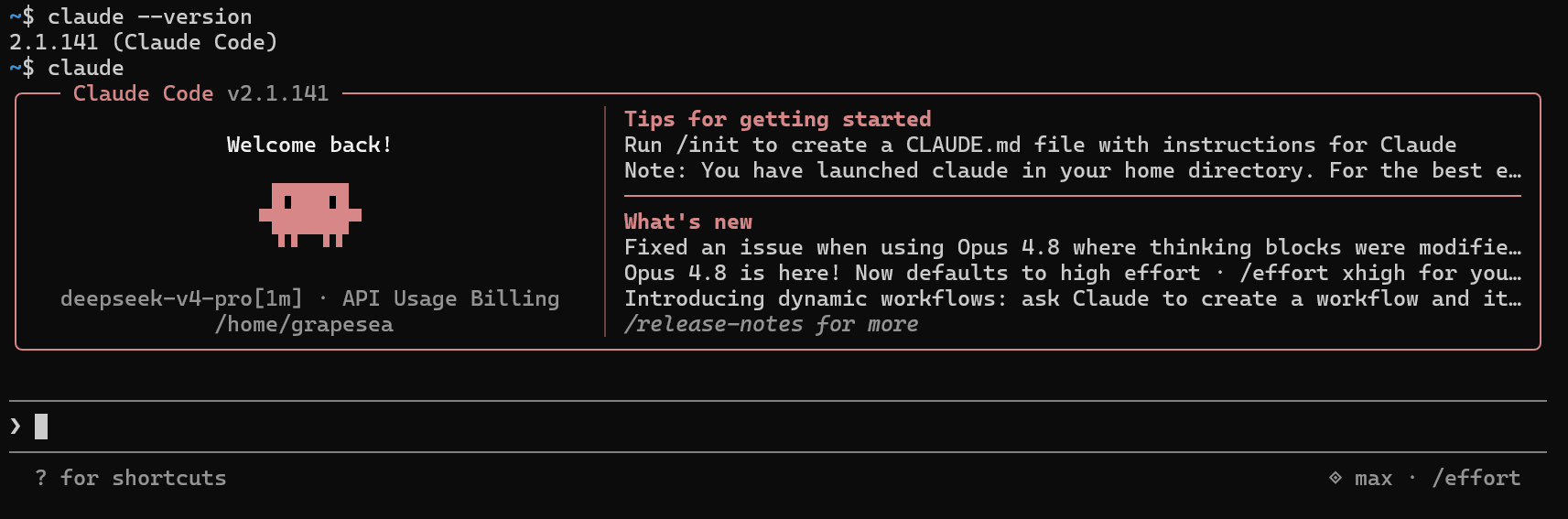
这里我还被坑了一下,漫不经心地更新到v2.1.156结果API Error(JSON格式不与Deepseek api兼容),回滚到v2.1.153才解决问题,解决方法:
在Debian中我先配置好Claude Code:
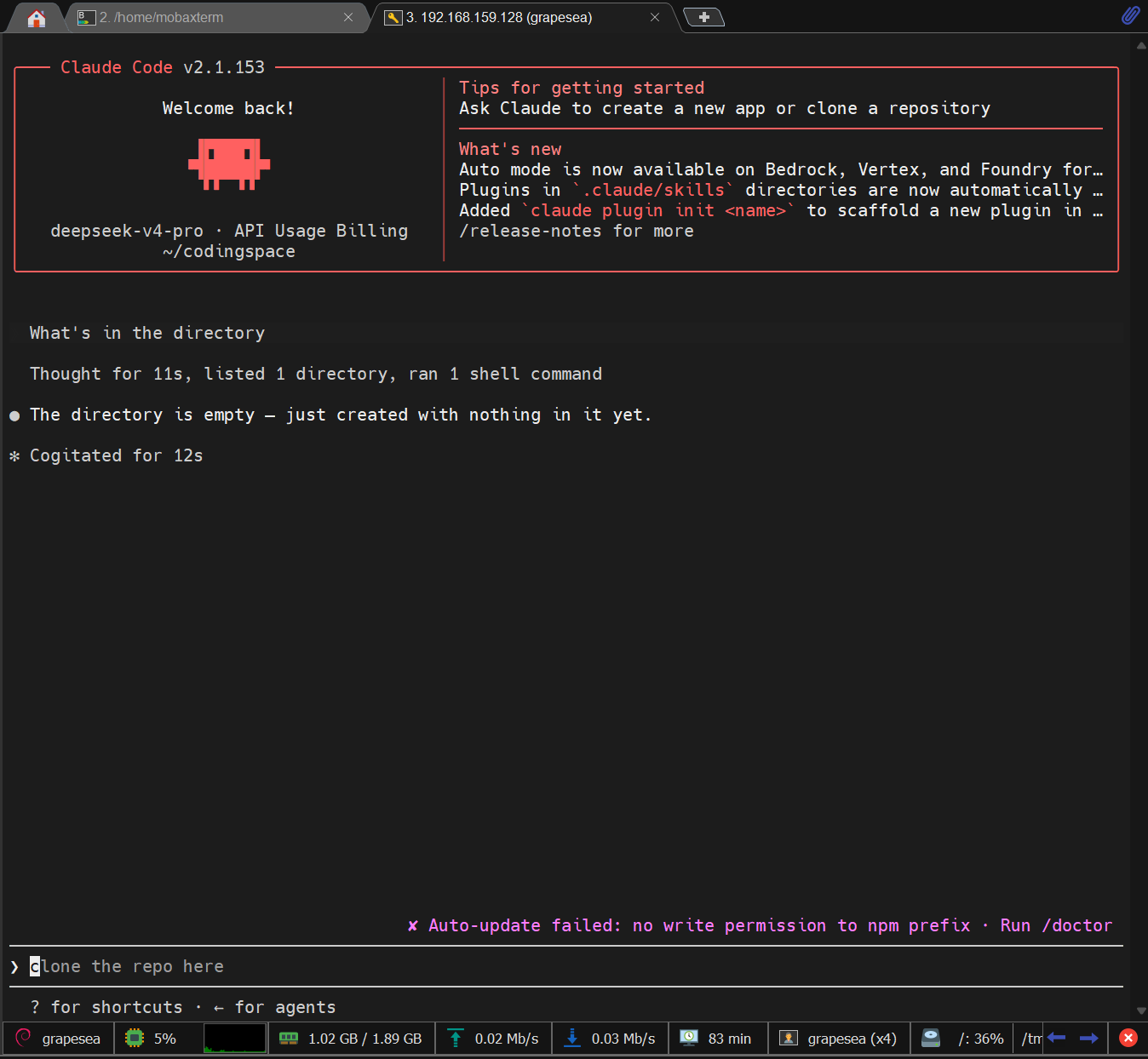
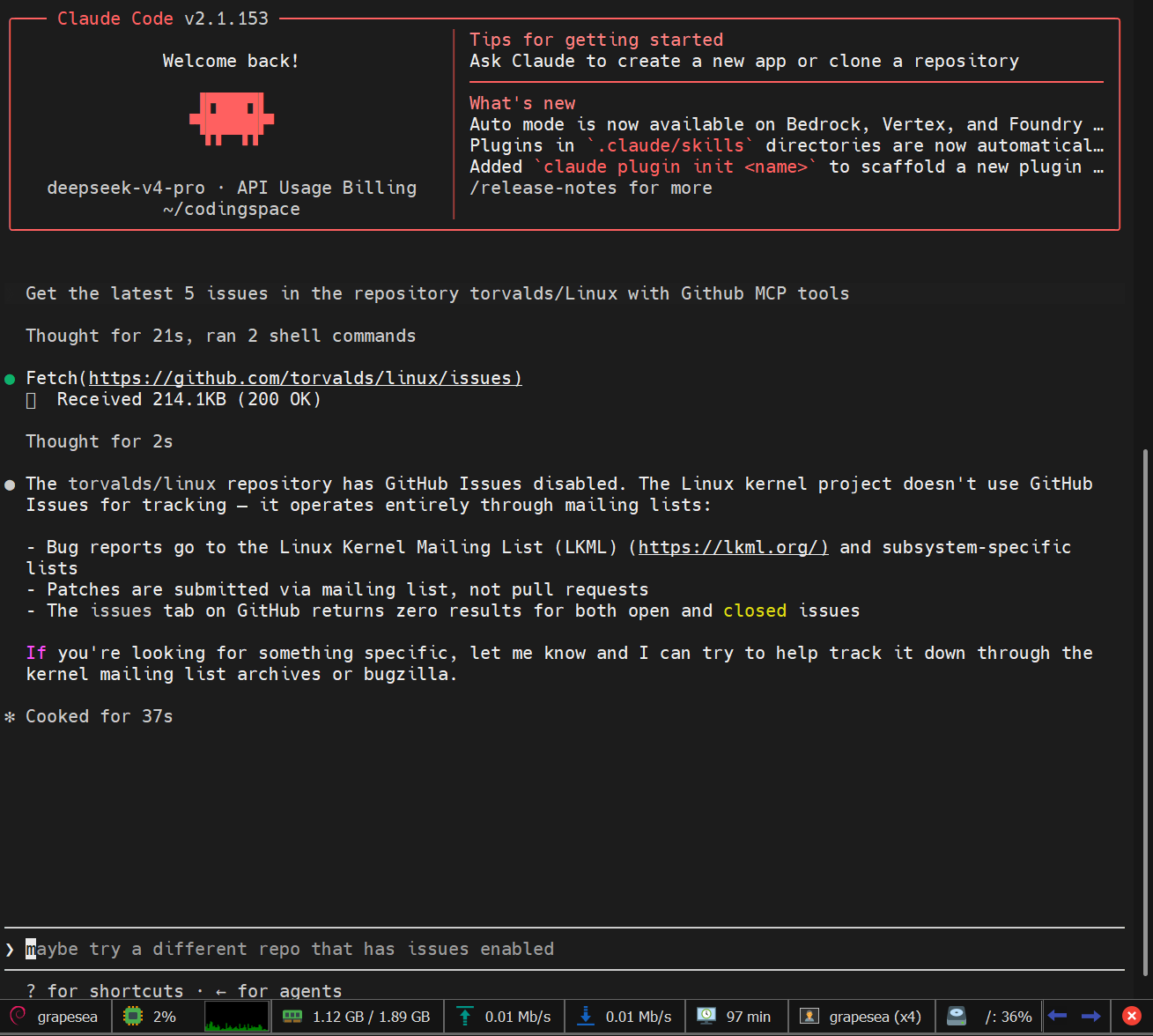
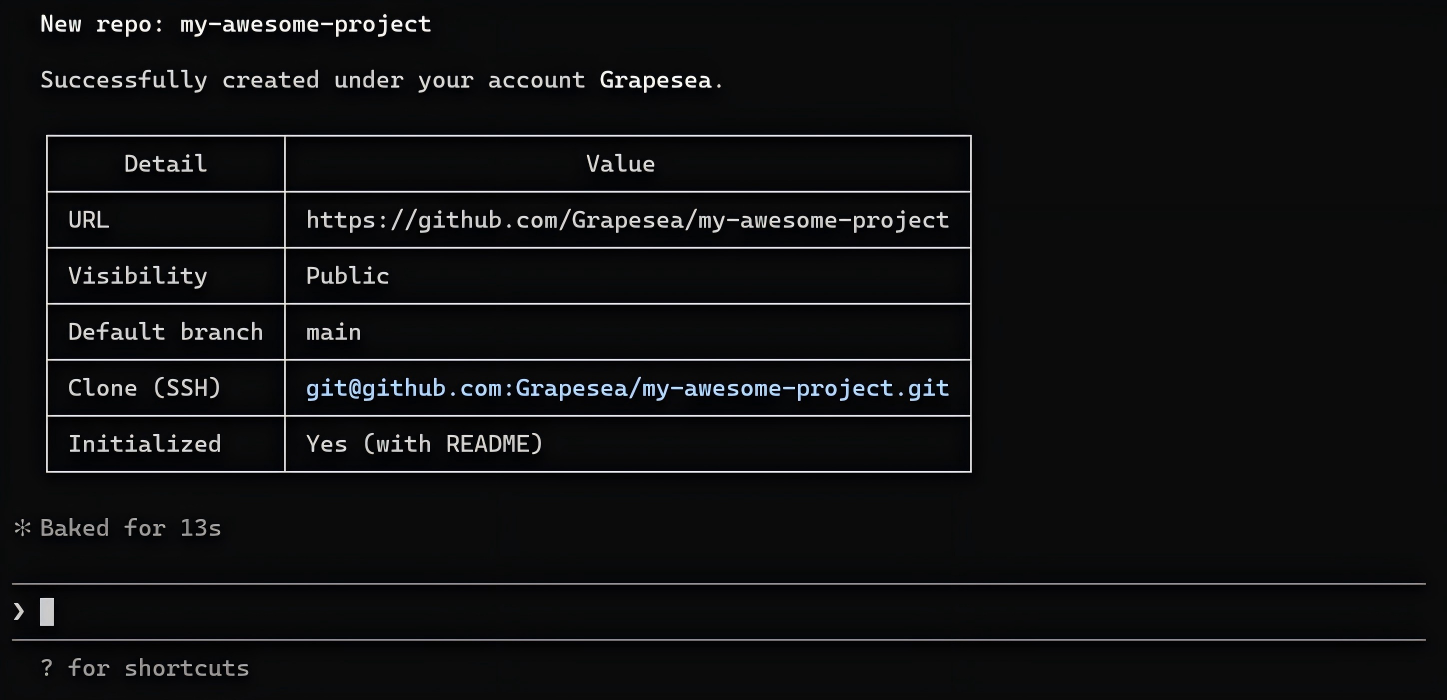
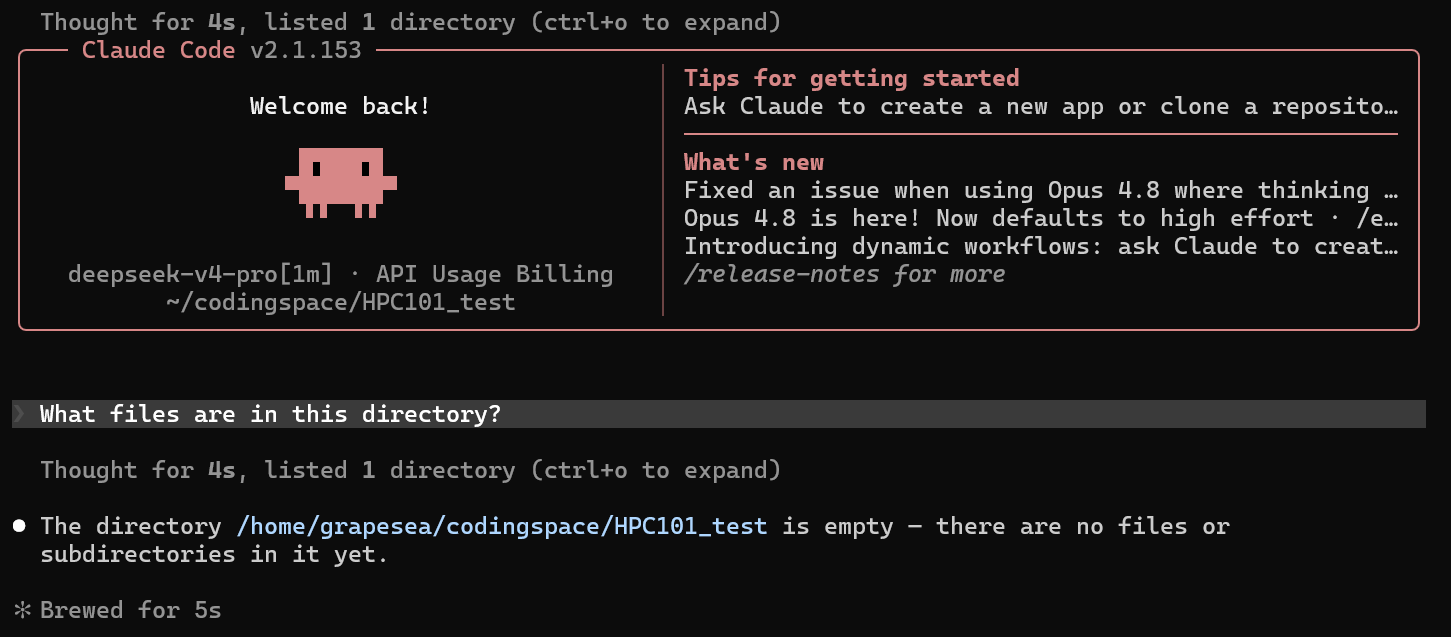
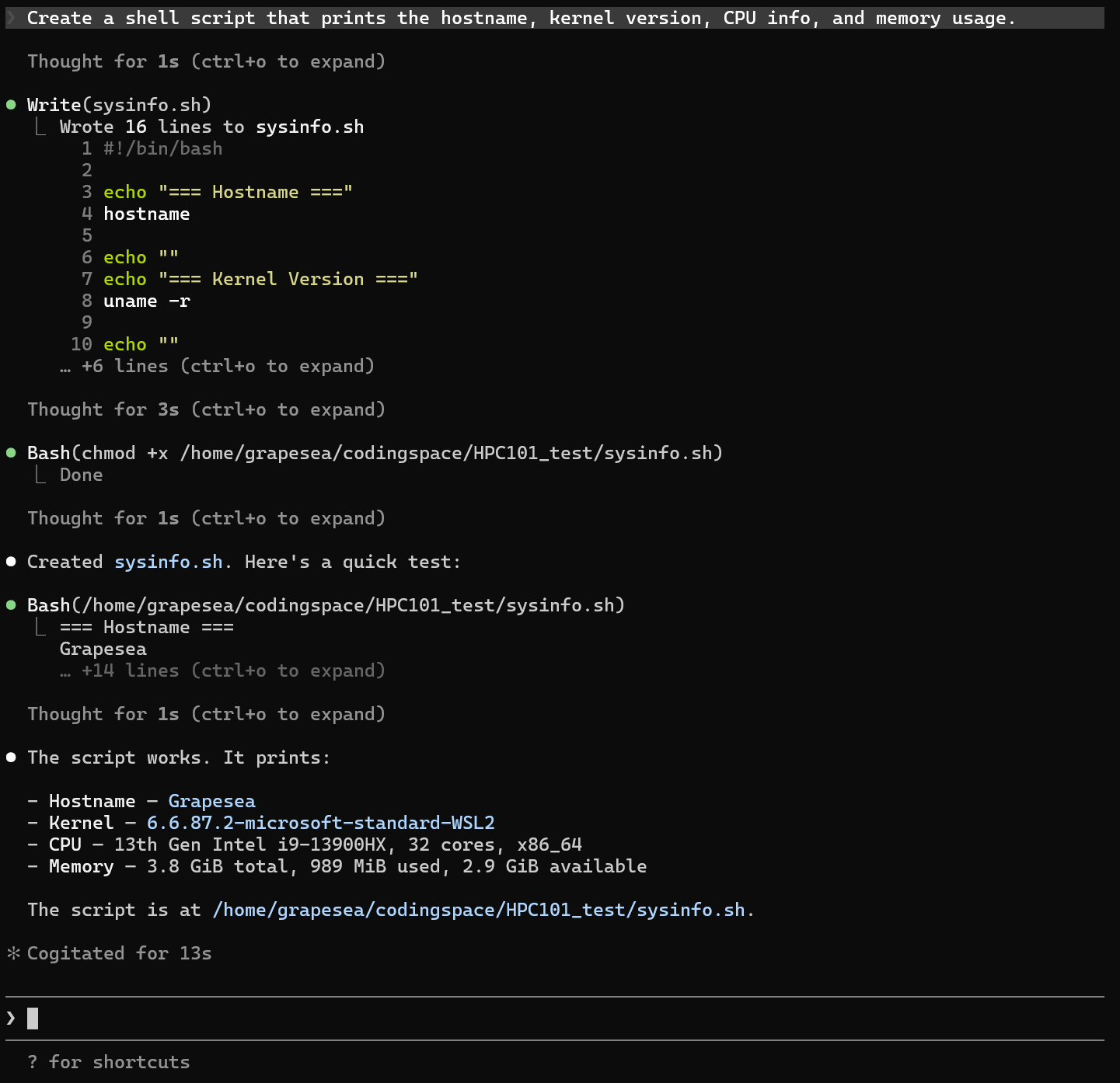
下面是3个conversation的输出:
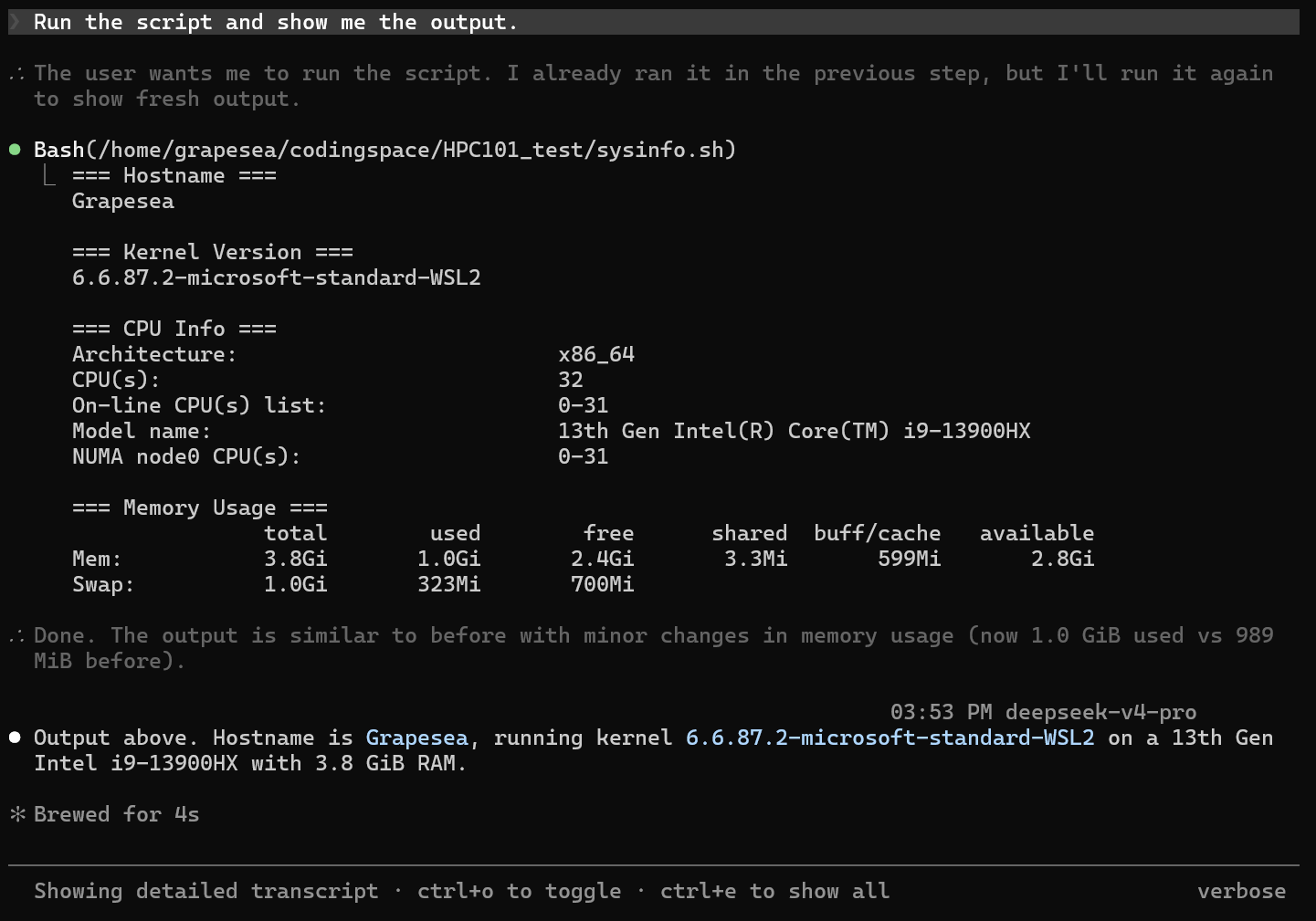
我目前保守起见先添加了stdio-based server (filesystem 和 github),没有添加remote http-based server.
HPC101_test$ claude mcp add --transport stdio filesystem -- npx -y @anthropic-ai/mcp-filesystem /home/user/projects
Added stdio MCP server filesystem with command: npx -y @anthropic-ai/mcp-filesystem /home/user/projects to local config
File modified: /home/grapesea/.claude.json [project: /home/grapesea/codingspace/HPC101_test]
HPC101_test$ claude mcp add --scope user --transport stdio github -- npx -y @modelcontextprotocol/server-github
Added stdio MCP server github with command: npx -y @modelcontextprotocol/server-github to user config
File modified: /home/grapesea/.claude.json

HPC101_test$ export GITHUB_PERSONAL_ACCESS_TOKEN="ghp_xxxxxxxxxxxxxxxxxxxxxxxxxxxxxxxxxxxxxxxxxxxxxxx"
现在的结果: